v1.0 — Now available for macOS · Press ⌘ Space to launch
Spotlight regressed again on Sequoia & Tahoe

Find your file. The macOS Spotlight alternative.

For people who type faster than Spotlight indexes.

CmdSpace is the local-only macOS Spotlight alternative that opens what you actually typed. Sub-25ms search, no mdworker storms, no web results — and it kills stuck ports.

No subscription 60-day trial 0 telemetry No mdworker storms Notarized
CmdSpace
⌘ Space
  • Figma/Applications
  • Projects~/Documents1
  • Calculator/Applications2
  • Terminal/Applications/Utilities3
First keystroke
First keystroke
<25ms
mdworker storms
mdworker storms
0
Free trial
Free trial
60d
One-time, forever
One-time, forever
$29
Sound familiar?

Spotlight has six well-known failure modes.

macOS Sequoia and Tahoe didn't fix any of them. CmdSpace replaces the launcher people actually use — so you stop debugging the search bar.

PP1 · indexing

mdworker eats your battery

After every macOS upgrade, Spotlight rebuilds its index for hours — sometimes overnight, sometimes for days — while mds_stores pegs the CPU and System Data balloons.

→ CmdSpace CmdSpace's index runs in a sandboxed Rust process. 100MB cap, sub-second incremental rebuilds.

PP2 · wrong results

The file is right there. Spotlight says no.

Files that obviously exist return “No Results”. Content search inside PDFs and code files silently stops working until you wipe `.Spotlight-V100` and reindex.

→ CmdSpace CmdSpace indexes file names AND content (PDF, Markdown, source) with deterministic ranking — what you typed wins.

PP3 · noise

Siri suggestions, web results, App Store

Type three letters and Spotlight serves up Bing results, Mail messages, and App Store apps before the local file you actually wanted.

→ CmdSpace CmdSpace is local-only. No web results, no Siri Suggestions, no telemetry — ever.

PP4 · missing tools

An OS launcher that can't kill a port

No clipboard history. No snippet expansion. No way to kill the process on port 3000. No window management. Power users end up installing five separate apps to fill the gaps.

→ CmdSpace CmdSpace ships clipboard history, custom commands, `port:3000` to free stuck ports, and inline translation — all keyboard-driven.

PP5 · regressions

Spotlight breaks at every macOS release

Ventura → Sonoma → Sequoia → Tahoe. Every cycle brings fresh regressions: blank search bar, Cmd+Space stolen by input sources, content search quietly disabled.

→ CmdSpace CmdSpace's schema is versioned. We test against Sequoia and Tahoe betas; Sparkle ships fixes in days, not OS releases.

PP6 · dev storms

Spotlight tries to index node_modules

Run `npm install` or `git checkout` on a large repo and Spotlight crawls 80k new files. mdworker spikes, fans spin, Xcode stalls — and you didn't ask for any of it.

→ CmdSpace CmdSpace ignores `.gitignore`-style patterns by default. node_modules, DerivedData, and build/ are silent unless you opt in.

Features

Everything Spotlight should have, behind one hotkey.

CmdSpace runs locally — no cloud sync, no signup, no telemetry. Just speed.

Apps & files

Spotlight forgets where your file is. CmdSpace fuzzy-matches across every indexed folder in sub-25ms.

Inline calculator

Spotlight's calc closes the moment you click away. CmdSpace keeps the result, ready to copy.

Command mode

Spotlight can't run a shell command. CmdSpace runs zsh, AppleScript, and Shortcuts from the same bar.

Translation

No more switching to a browser tab. Highlight, ⌘ Space, translate inline in any app.

Clipboard history

macOS still ships zero clipboard memory in 2025. CmdSpace keeps the last 200 entries, local-only.

Kill by port

Spotlight: not possible. CmdSpace: type `port:3000` and the stuck process is gone.

Local-first by design

Your data never leaves your Mac

CmdSpace indexes locally with a sandboxed Core Data store. No accounts, no cloud sync, no opt-out telemetry.

  • No analytics endpoints
  • No background uploads
  • Notarized & sandboxed
  • Code-signed releases via Sparkle
A glowing 3D padlock orbited by tiny app icons, representing local-first privacy.
Built for keyboards

Designed to disappear

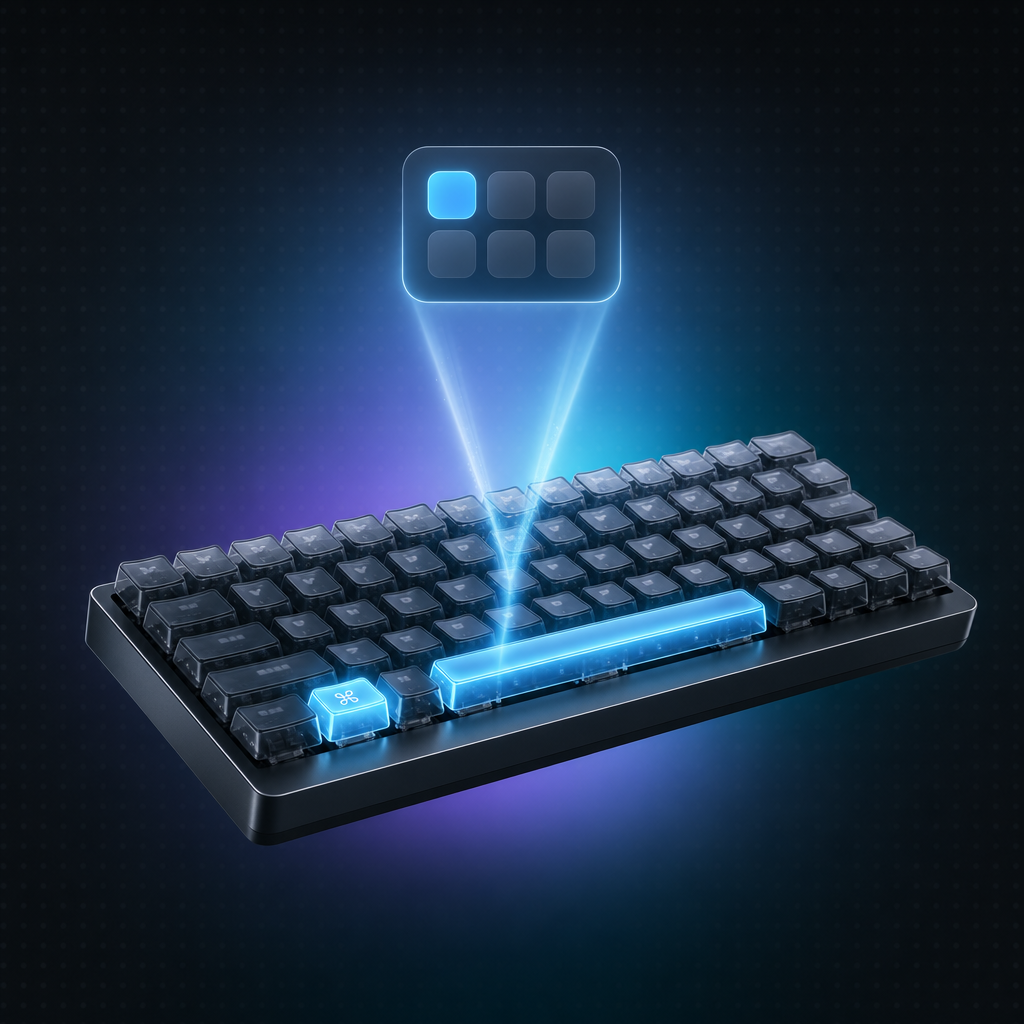
Summon with ⌘ Space (configurable). Navigate with arrows. Confirm with Return. Close with Escape. That's it.

  • Global hotkey, your choice
  • Vim-like navigation
  • Per-result shortcuts ⌘1–9
  • Single-handed friendly
An isometric mechanical keyboard with the Command and Space keys glowing cyan.

Spotlight vs CmdSpace, head-to-head

Same hotkey. Different decade of engineering.

FeatureCmdSpaceSpotlight
Index ready in< 30sHours (sometimes overnight)
Survives macOS updateOften regresses
Searches PDF / code contentInconsistent
Web results in your wayNoDefault on
Kill process by port`port:3000`Not possible
Clipboard historyNone
Custom commandsNone
Telemetry endpoints0Siri Suggestions calls home
Price$29 onceFree (with the bugs above)
Pricing

One price. Forever.

No subscription. 60-day trial — only charged once if you stay.

Free

$0Forever
  • Core search & launch
  • Calculator + clipboard
  • Personal use
Download free
Recommended

CmdSpace Pro

$29One-time · 60-day trial
  • Everything in Free
  • Custom commands
  • Translation engine
  • All future updates
  • Use on 3 Macs
Start 60-day trial

Frequently asked

My Spotlight has been re-indexing for 2 days. Does CmdSpace fix this?+

CmdSpace's index is fully separate from Spotlight's `mds`. You can disable Spotlight indexing entirely (`sudo mdutil -a -i off`) and rely on CmdSpace — the migration guide walks you through it without breaking Mail, Finder, or Siri.

Why does Spotlight miss files I know exist?+

Usually a corrupted `.Spotlight-V100` folder or a forgotten Privacy exclusion. CmdSpace rebuilds its own index in seconds and shows you exactly which folders are covered.

Will CmdSpace break the next time macOS updates?+

CmdSpace's index schema is versioned and we test against Sequoia and Tahoe betas. If Apple ships a regression, our Sparkle update fixes it in days — not on Apple's release cadence.

Can I uninstall Spotlight entirely?+

No — it's a system service. But you can disable indexing per volume and remove its hotkey, then bind ⌘ Space to CmdSpace. Step-by-step guide in our migrate-from-Spotlight blog post.

Is there a subscription?+

No. Pay $29 once. The 60-day trial is free — we only charge if you keep using CmdSpace after.

Does CmdSpace work offline?+

Yes. CmdSpace is local-only by design. No internet required after install.

Refund policy?+

60-day no-questions refund. Just email us.

Which macOS versions are supported?+

macOS 13 Ventura and later, on Apple Silicon and Intel.

60-day free trial

Try CmdSpace free for 60 days.

No card required. One-time $29 if you stay. Cancel anytime — it's yours forever.

macOS 13+ · Apple Silicon & Intel · 12 MB download